
GE Teach – Make Side-by-Side Map Comparisons in One Browser Tab
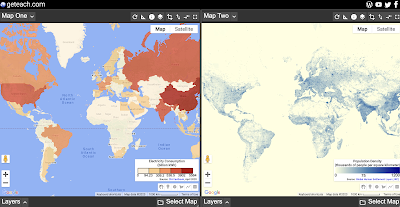
GE Teach is a great map tool that is developed and maintained by a high school teacher in Texas named Josh Williams. GE Teach has gone through a bunch of iterations over the years and the latest version is better than ever. On GE Teach students can compare two maps side-by-side. Students can select from gallery […]
GE Teach Tour Builder – Create Google Earth Tours for the Web
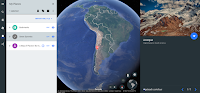
GE Teach is a fantastic project developed by Josh Williams. Josh and his students were some of the first to use the new version of Google Earth in a classroom. In fact they used it before it was available to the public. (Click here for a video overview of the new Google Earth). The new […]
How to Compare Maps Side-by-Side in GE Teach
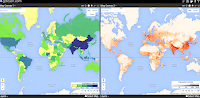
Last week I wrote a post in which I featured using GE Teach to compare maps side-by-side. GE Teach can be a powerful tool when you dive into the features hidden within it. In the video embedded below I demonstrate how to access and use the features of GE Teach.
Students Can Compare Maps Side-by-Side in GE Teach
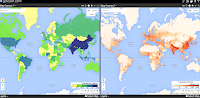
GE Teach is a great map tool that I last featured about 18 months ago. GE Teach is developed and maintained by a high school teacher in Texas named Josh Williams. We had the chance to meet at TCEA this week and chat about GE Teach. GE Teach has gone through a bunch of iterations […]