
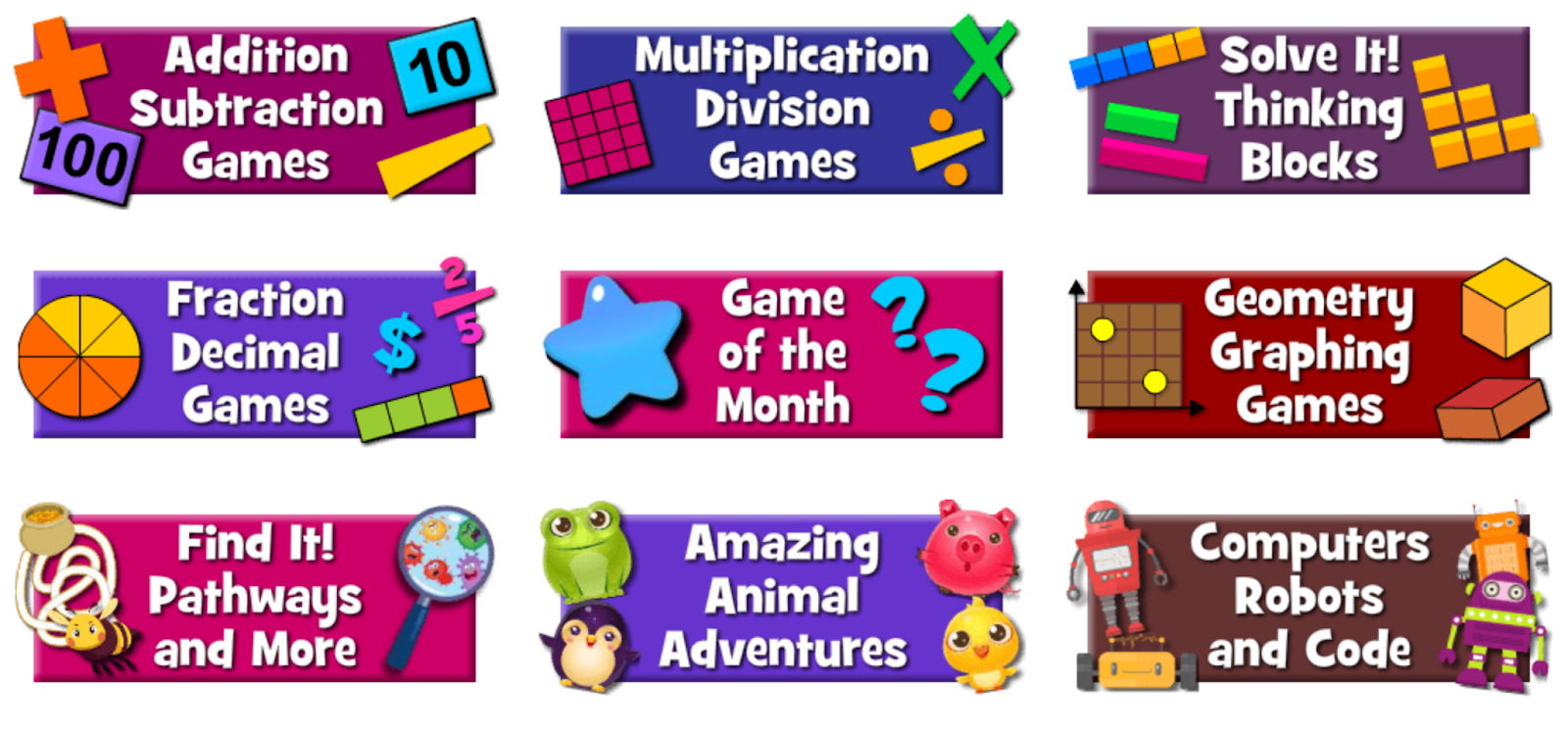
Math Playground offers hundreds of free math games and interactive modules for elementary school students. I’m not sure if this is old news or not, but this morning I was looking at some of the games and noticed that you can share the games directly to Google Classroom.
To share a Math Playground activity to Google Classroom simply open a game then click the Google Classroom icon that appears below the game. Math Playground will launch a pop-up window (make sure you have your browser set to allow pop-ups) in which you can select the Google Classroom class to which to send the game. In the same pop-up you will be able to choose to make the game an assignment, an announcement, or a material in your class’ “classwork” section.

Applications for Education
If I was teaching elementary school I would consider following Tony Vincent’s suggestion of adding a section in Classwork for “things to do with extra time” and adding some of the Math Playground activities to it. For more information about that idea, take a look at Tony’s recent Tweet that includes a visual aid.
🔖 Now that I can add “Material” to topics in #GoogleClassroom, I have a topic with things students can do when they are “done.” I moved it to the top to make it easy to find. I’m excited that I can easily update the list.#GoogleEdu #CBCSD #5thchat pic.twitter.com/sABMYsr89b— Tony Vincent (@tonyvincent) September 10, 2018